
Figo Prefab Importer turns a Figma design (.fig) — or a figo canvas.json — into ready-to-use UGUI prefabs: .prefab + deduplicated textures + fonts. No manual UI rebuilding, no network access, deterministic output with clean diffs. A paid Unity Editor extension built on the open-source figo core rendering pipeline.
Conversion runs a bundled command-line converter locally — everything stays on your machine, nothing is uploaded.
starfall_menu.canvas.json) is bundled.Each top-level design frame becomes a self-contained prefab: GameObject → RectTransform / CanvasRenderer / UI.Image / UI.Text.
Solid rectangles become sprite-less tinted UI.Images (zero textures); gradients, vectors, images, strokes and effects are baked pixel-faithfully into deduplicated PNG sprites.
Constraints from the design map to RectTransform anchors, so converted UI resizes the way the designer intended.
Repeated UI (cards, rows, buttons) is detected and emitted as nested prefabs with per-instance overrides (Unity 2022.2+).
Point at the design's font files — they are bundled as font assets and matched per text by family / weight / italic.
Convert only the named top-level frame instead of the whole document.
Supersampling factor for baked sprites — crisp results on high-DPI targets.
Gamma output is pixel-identical to the design. Linear mode pre-compensates alpha so glows and translucent panels keep the sRGB look. Auto reads your project settings.
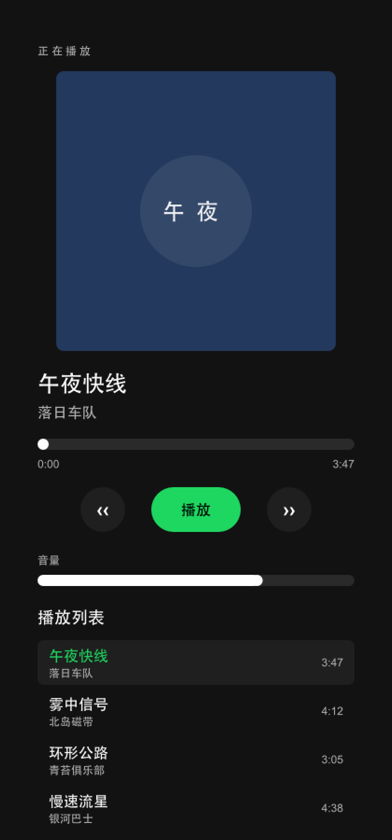
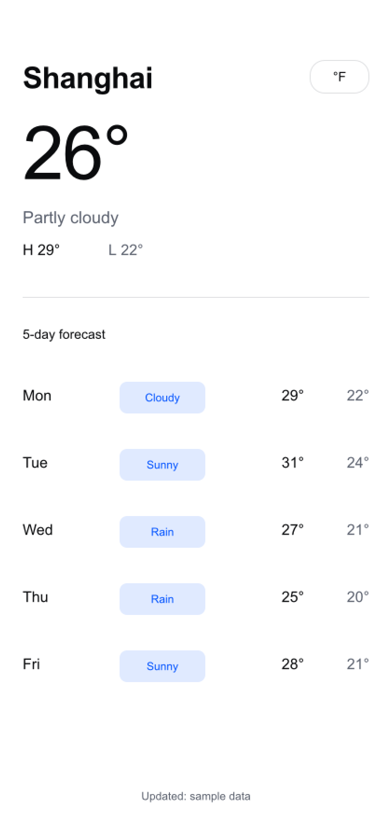
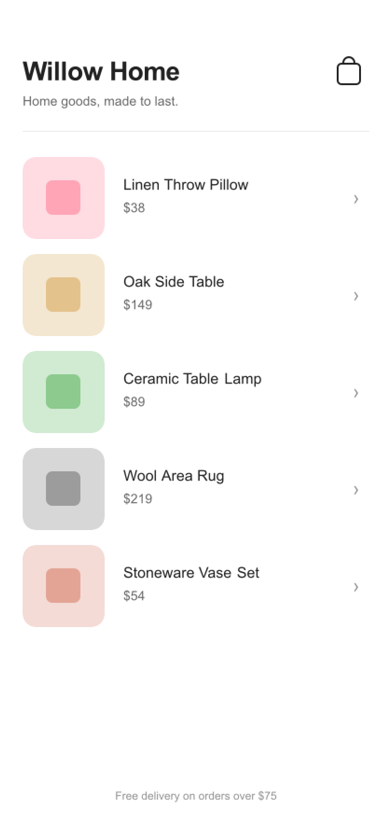
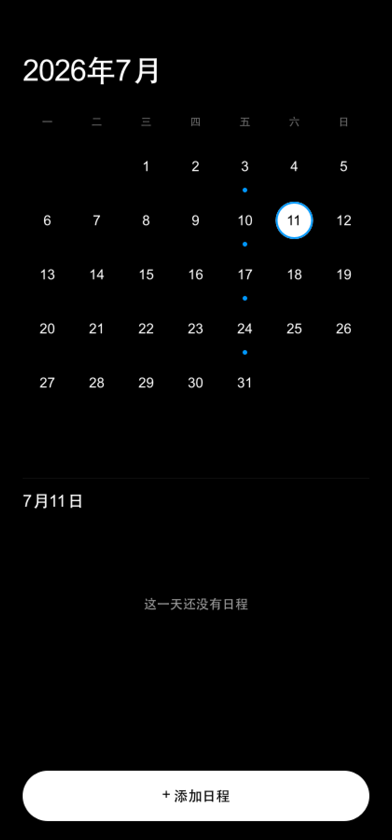
The importer's converter shares figo's rendering pipeline, so what you see in the design is what you get in the engine. Below: real output rendered by this pipeline — running programs, not mockups.


com.unity.ugui (present in any UI project)For business inquiries, technical support, or bug reports, reach us directly:
Email: boruis@gmail.com
Issues & feature requests: GitHub Issues
Community: Discord server